
Classroom Newsletter
Classroom Newsletter
Quick Answer
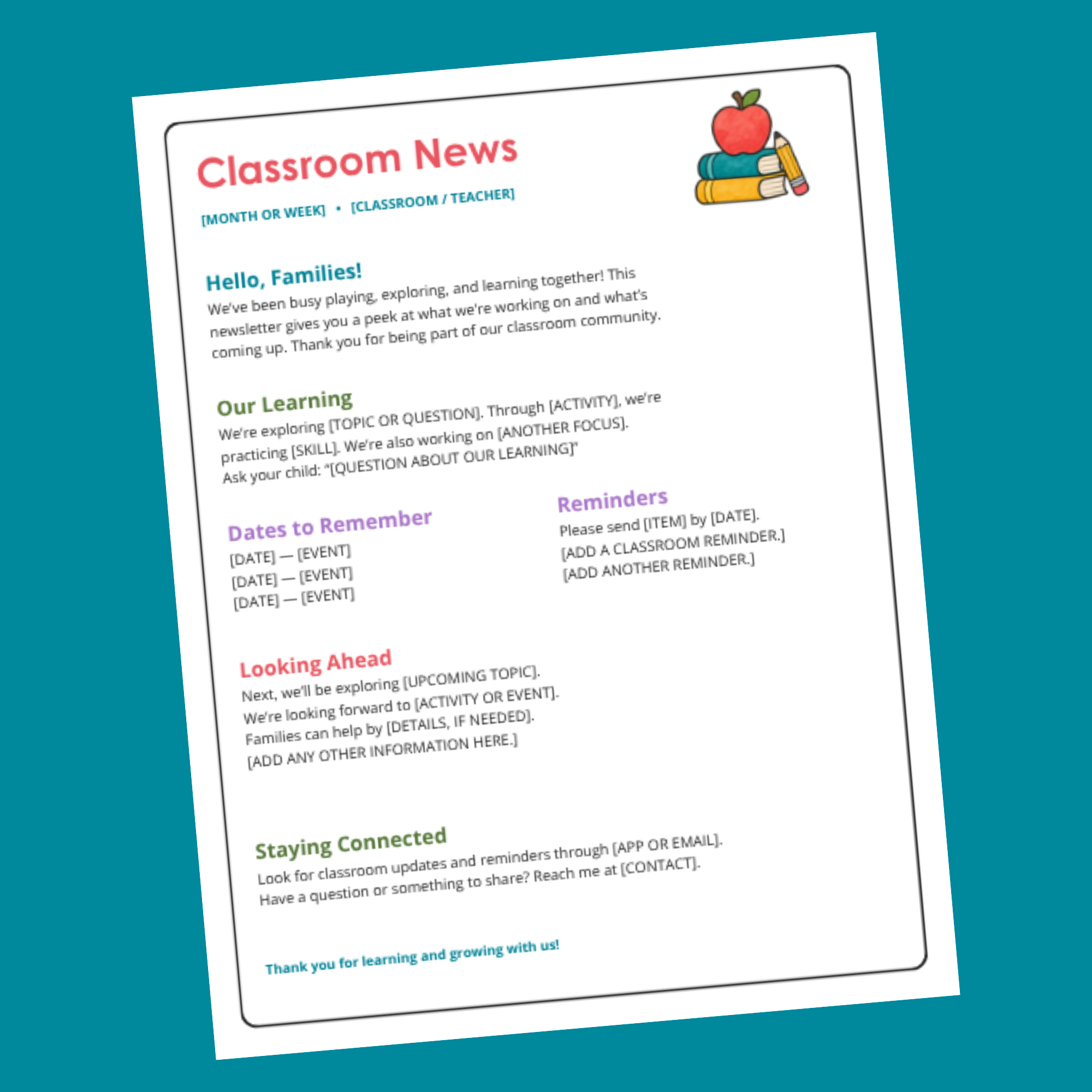
This editable Canva Pro template gives you a one-page classroom newsletter to use throughout the school year. Share what children are learning, important dates, reminders, and the updates families need most.
Sample wording gives you a place to start, while editable headings let you change the newsletter to fit each week or month. Colorful headings and a school illustration add a cheerful touch without crowding the page.
What’s Inside
One editable, 8.5 × 11-inch Canva newsletter with sample wording and spaces for your classroom details.
Sections for a family greeting, classroom learning, dates, reminders, upcoming plans, and contact information.
An editable cover page in the same Canva file, with editing directions, tips for keeping newsletters short, and guidance for choosing sections and sharing monthly standards.
A PDF access page with the link to open both pages in Canva.
How to Use
Keep regular sections for learning, dates, and staying in touch. Change the other headings whenever you have something different to share, such as a reminder, something to practice at home, or a thank-you.
Each section’s heading and message stay together in one text box. Edit the wording, duplicate or remove sections, and make a copy for each new issue. Download your finished newsletter to print or share digitally.
Please Note
All editable items require Canva Pro.
This is a digital download. No physical product will be shipped.